Model with the mouse. Control it with code.
Sketch and shape parts with familiar CAD tools. Every feature becomes editable JavaScript, so you can fine-tune dimensions, reuse designs, and make the model your own.
From a sketch to a solid
Build a rocker arm, one feature at a time. Every sketch, extrusion, cut and fillet has its own place in the history, and its own lines in the file.
Fully constrain the arm profile with tangent semicircular ends, a 24 mm radius and pivot centers 76 mm apart.
import { arc, circle, cut, extrude, fillet, line, origin, select, sketch,} from "fluidcad/core";import { coincident, diameter, distance, horizontal, radius, tangent,} from "fluidcad/constraints";import { edge } from "fluidcad/filters";const SPAN = 76;const ARM_RADIUS = 24;const ARM_THICKNESS = 12;const HUB_DIAMETER = 32;const HUB_HEIGHT = 14;const PIVOT_DIAMETER = 20;const TIP_HOLE_DIAMETER = 11;const FILLET_RADIUS = 4;
sketch("xy", () => { const bottom = line([0, -ARM_RADIUS], [SPAN, -ARM_RADIUS]); const tip = arc([SPAN, -ARM_RADIUS], [SPAN, ARM_RADIUS], [SPAN, 0]); const top = line([SPAN, ARM_RADIUS], [0, ARM_RADIUS]); const pivot = arc([0, ARM_RADIUS], [0, -ARM_RADIUS], [0, 0]); coincident(bottom.end(), tip.start()); coincident(tip.end(), top.start()); coincident(top.end(), pivot.start()); coincident(pivot.end(), bottom.start()); tangent(bottom, tip); tangent(tip, top); tangent(top, pivot); tangent(pivot, bottom); horizontal(bottom); horizontal(top); coincident(pivot.center(), origin()); radius(pivot, ARM_RADIUS); distance(pivot.center(), tip.center(), SPAN, "x");});Choose a feature to see that point in the build. Its lines are highlighted in the file. Drag the model to explore it in 3D.
Assemble parts. Define how they move.
Insert reusable parts, fix one in place, and join their connectors with mates. Keep a connection rigid, let a hinge rotate, or guide a part along a slide. The assembly solver keeps the connections together.
const fixed = insert(fixedLeaf).grounded();const moving = insert(movingLeaf);const pin = insert(hingePin);
mate("revolute", fixed.connectors.pivot, moving.connectors.pivot,).flip().limits(0, 180).name("hinge-swing");
mate("fastened", fixed.connectors.pivot, pin.connectors.axis,).flip();Download
Your models, on your machine. Get the desktop app for macOS, Windows or Linux. Free and open source, under the MIT license.
Desktop appv0.0.45
- macOSApple silicon, signed and notarized
- Windows64-bit installer
 LinuxAppImage and .deb, x86-64
Other installation options
Install with npm0.0.45
$ npm i fluidcad
$ npx fluidcad init
$ npx fluidcad serve
Installed per project, so the engine and your editor’s type hints resolve from the same node_modules as the model.
A browser version that needs no install is in progress. Today the engine already runs client-side in the viewer above.
Your agent, in the same workspace
Connect an AI agent through MCP. It can read and edit your model, inspect geometry, measure a face, and check its work with screenshots. You keep the source and see the changes in your viewport.
npx fluidcad mcpBuilt with it
Every one of these is a tutorial: the drawing it came from, the sketch that starts it, and every statement in between.
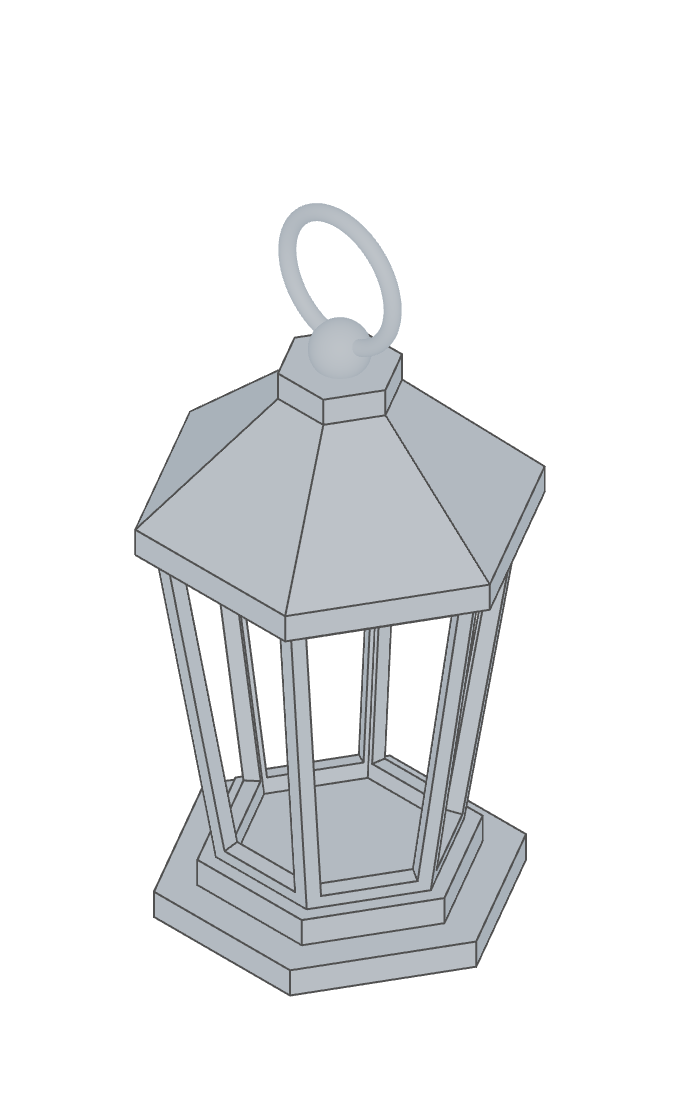 LanternA hollow body, lofted roof and revolved details.
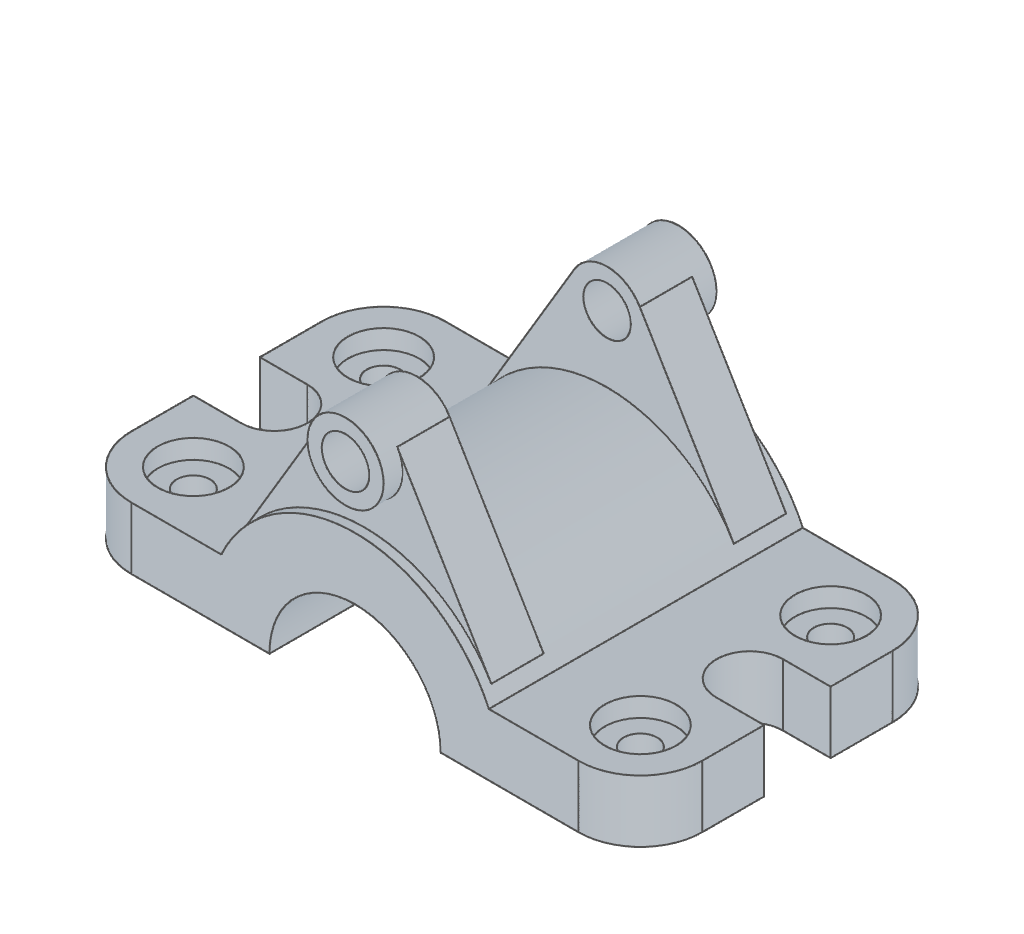 Upper alignment clampConstrained profiles, mirrored features and a tangent web.
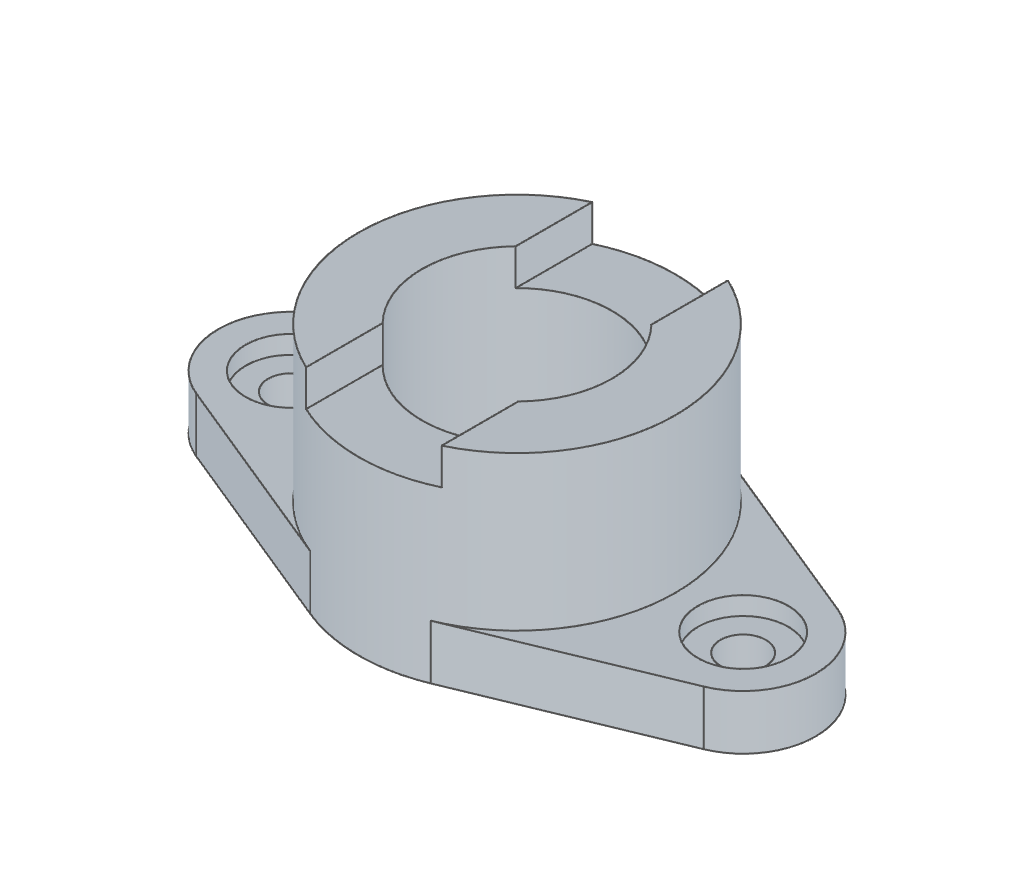 Flange with notchA dimensioned flange with a central bore and mirrored notches.
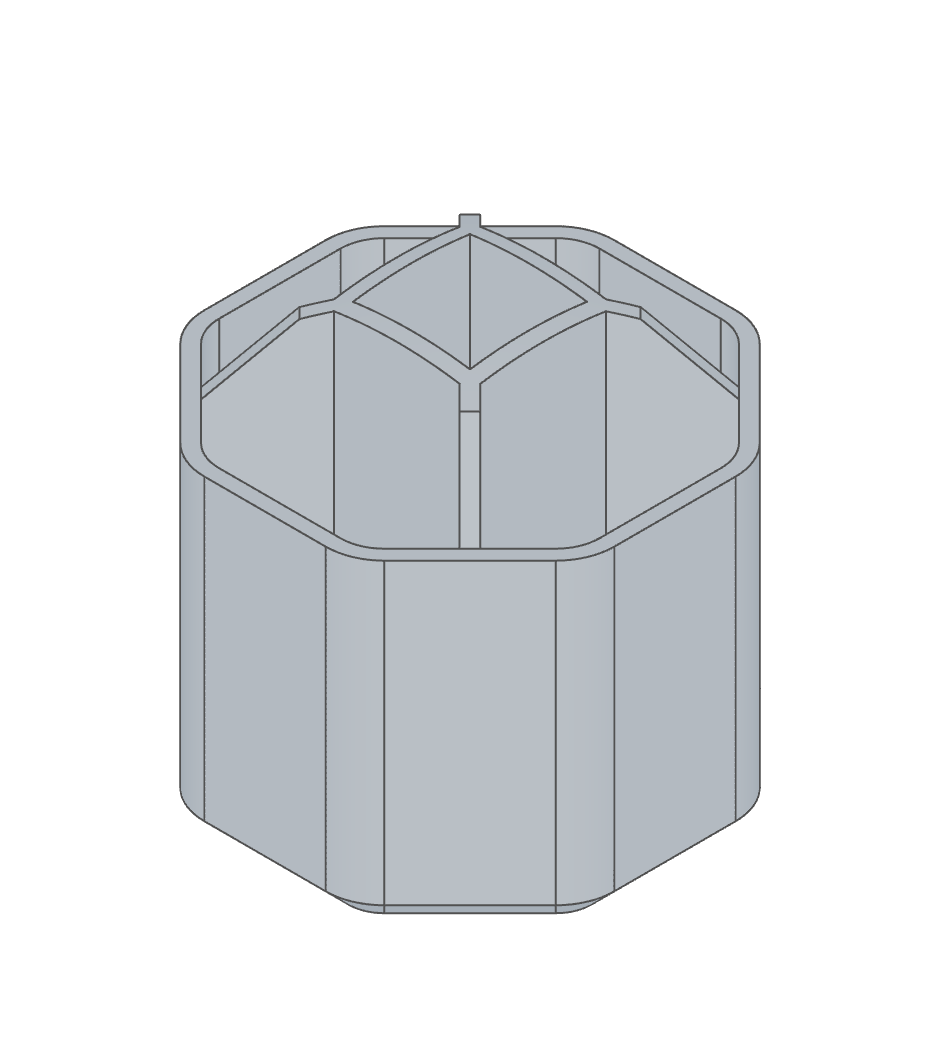 Desk organizerCompartments, repeating features and finishing fillets.
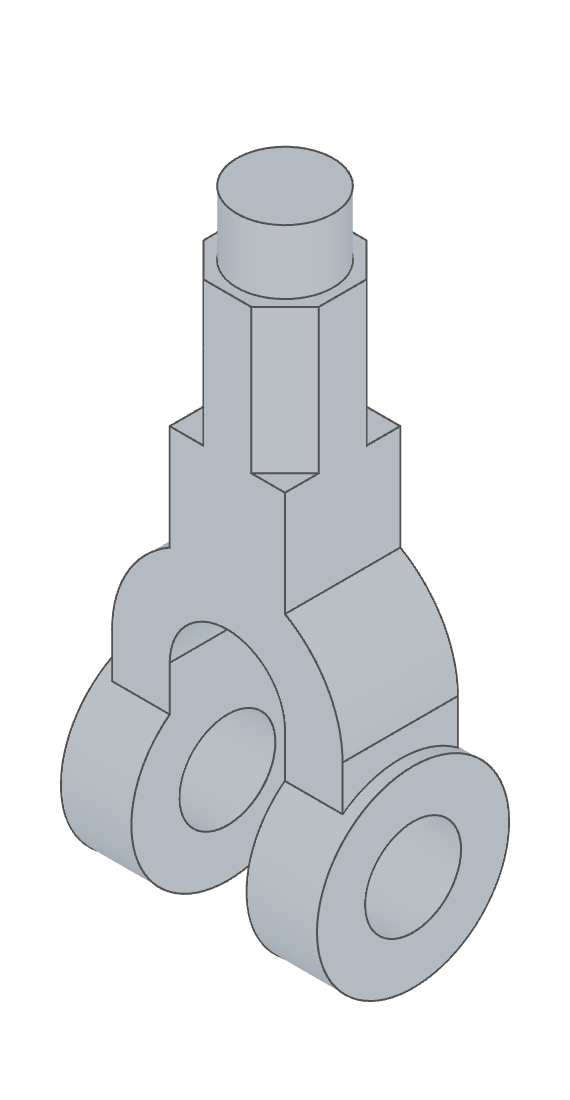 Forked yokeArc profiles, mirrored geometry and annular cuts.
FluidCAD is open source under the MIT licence, built on OpenCascade, the B-Rep kernel that has been cutting exact geometry since before most of the CAD on your machine existed.