Concentric
concentric gives two circles, arcs or ellipses the same center — a bore and its counterbore, a rim around a hub, a washer, an oval boss around its bore.
In the viewport
- Click two circles / arcs / ellipses.
- Click Concentric. Both get a
◎badge at the shared center.

Before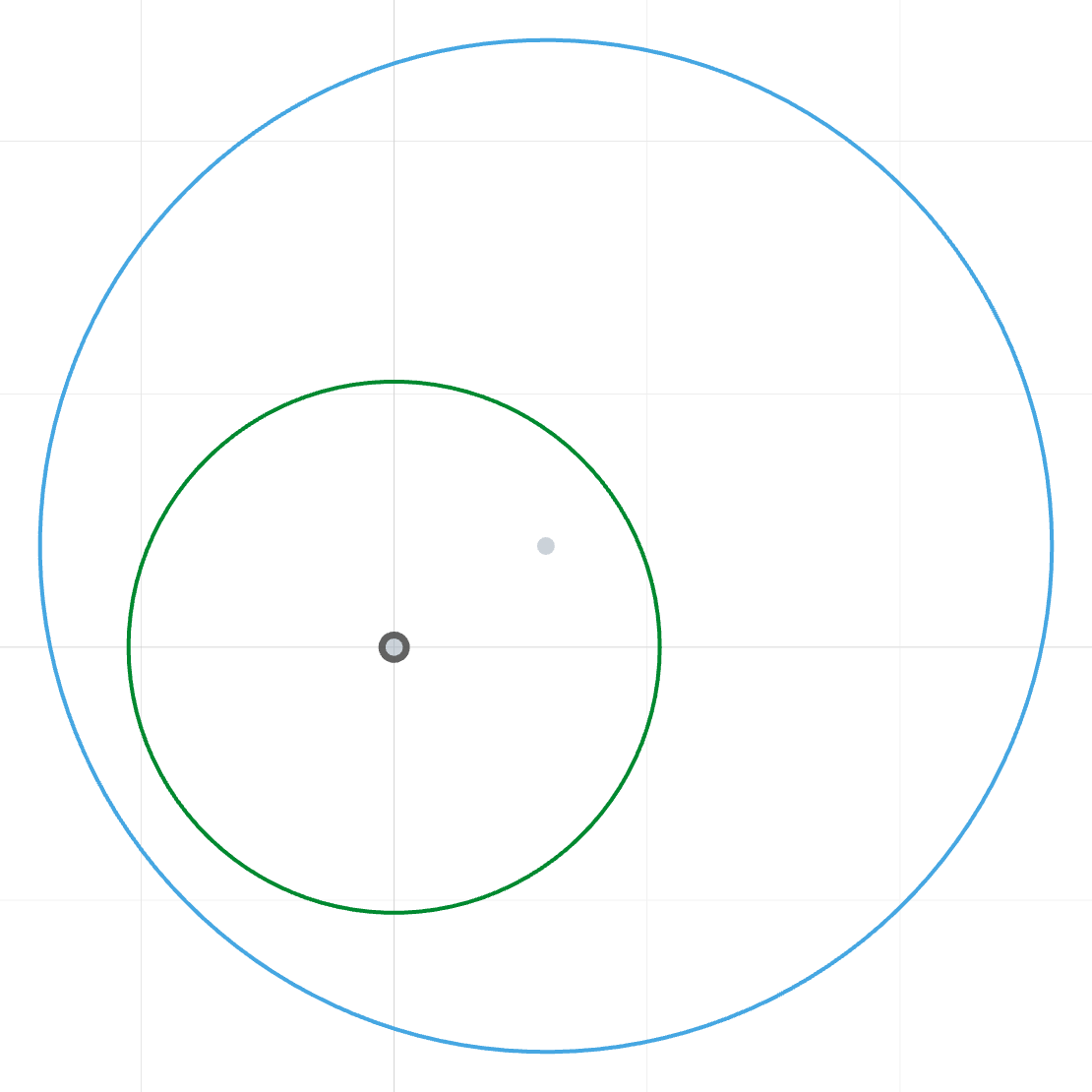
The outer circle is drawn off-center from the bore.
After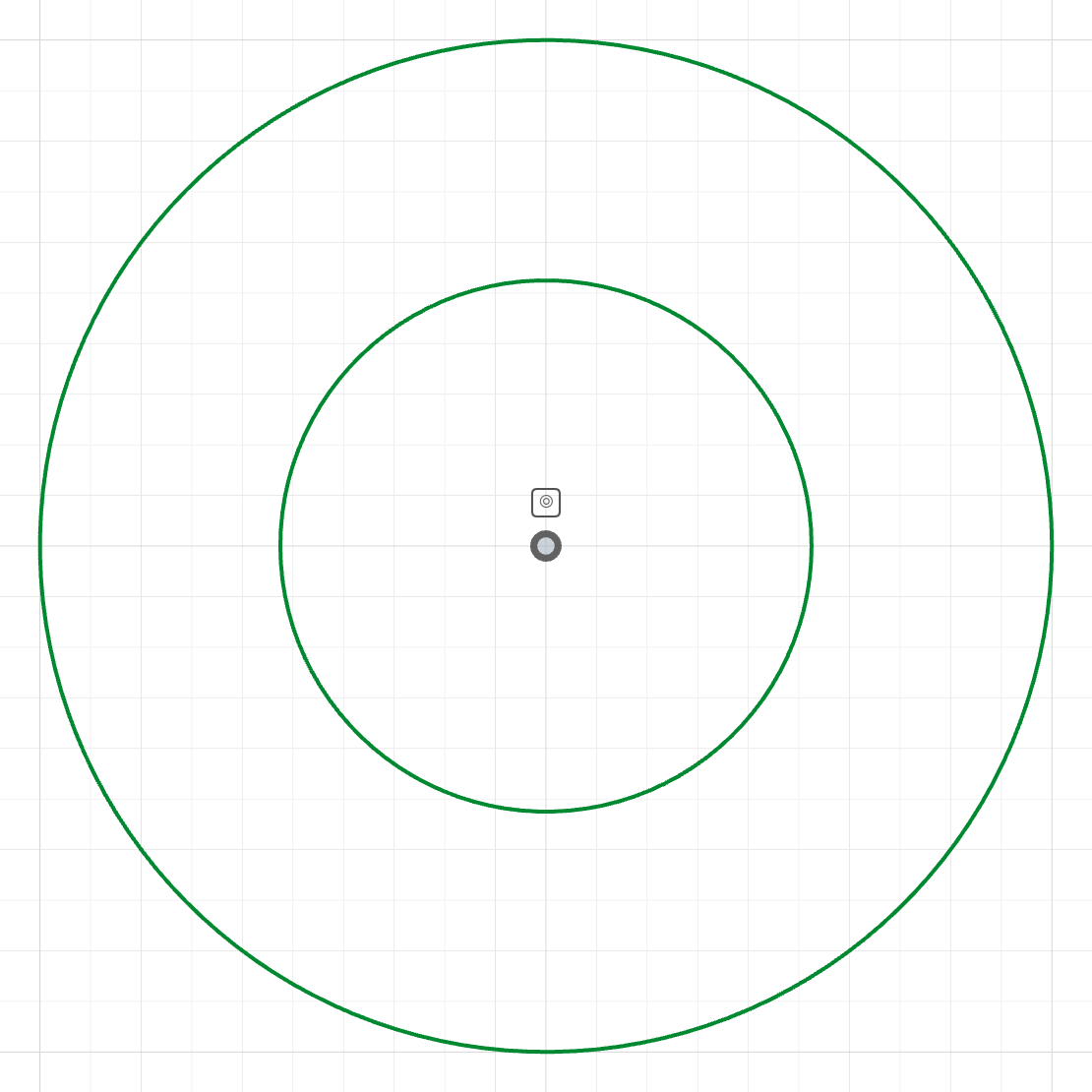
concentric(outer, bore)Both circles share the bore's center: a round washer.
The code behind it
The bore sits on the origin; the outer circle is drawn off-center. concentric(outer, bore) moves its center onto the bore's (2 DOF), and the two diameter dimensions do the rest.
washer.part.js
import { sketch, circle, origin } from 'fluidcad/core';
import { concentric, coincident, diameter } from "fluidcad/constraints";

sketch("xy", () => {
    // A washer: the outer circle is drawn off-center on purpose.
    const bore = circle([0, 0], 10.5);
    const outer = circle([3, 2], 20);
    coincident(bore.center(), origin());
    diameter(bore, 10.5);
    diameter(outer, 20);
    // Same center for both — the washer is round about its bore, and
    // stays so when either diameter changes.
    concentric(outer, bore);
})
In code
concentric(a, b)                 // shared center: 2 DOF
concentric(e, c)                 // an ellipse around a circle (or arc, or ellipse)
concentric(c, rim)               // against a projected circular edge
Equivalent to coincident(a.center(), b.center()) — concentric reads better and gets its own badge.
See also
- Diameter, Radius
- Sketch tools → Project — bringing an existing hole's rim into the sketch as the reference