Horizontal
horizontal aligns with the sketch's X axis: a line becomes horizontal, an ellipse's RX axis runs along X, or two or more points are brought to the same height.
In the viewport
- Click one line or one ellipse — or click two or more points.
- Click Horizontal. A line or ellipse gets an
Hbadge; in the point form every point after the first moves to the first one's y and each pair gets a badge.
Drawing a line close to horizontal with Infer while drawing on writes this constraint automatically. A drawn ellipse gets no inferred orientation — its rotation stays free until you click Horizontal or Vertical on it. On a single line or ellipse, Horizontal replaces an existing vertical (and Vertical an existing horizontal): an entity has one orientation, so the two never stack into a conflict.

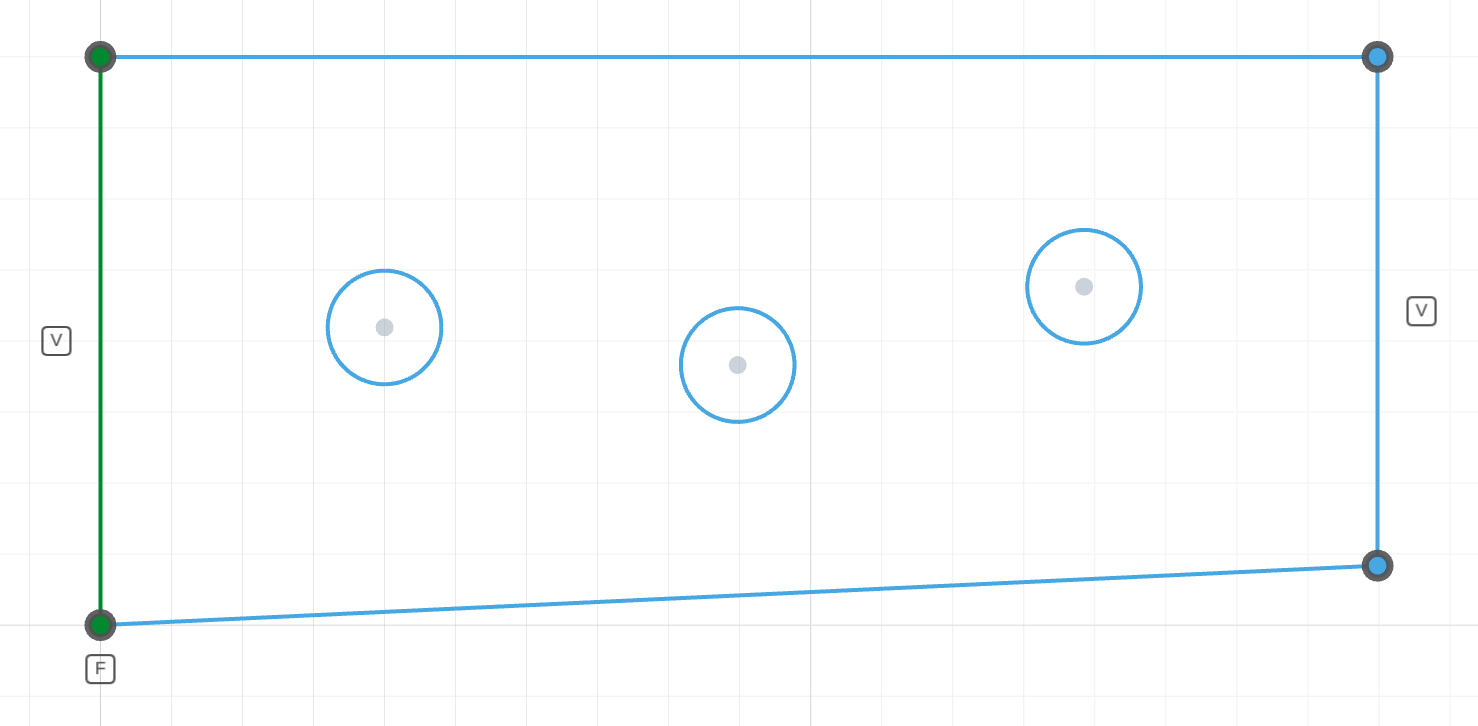
The plate's top and bottom edges are drawn askew, and the three holes sit at three different heights.
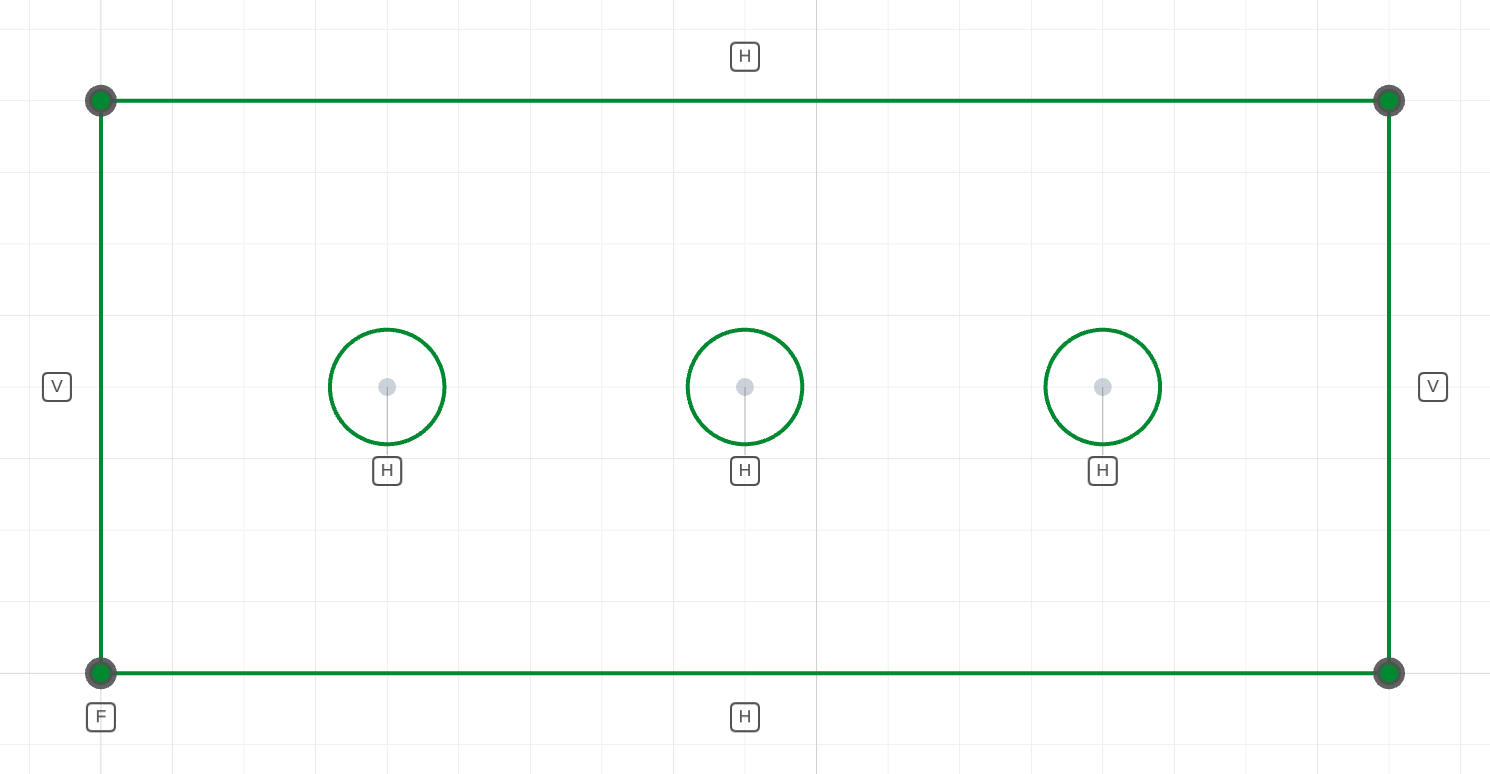
horizontal(h1.center(), h2.center(), h3.center())The edges are horizontal and the three centers line up.
The code behind it
horizontal(bottom) and horizontal(top) are the line form — with vertical on the sides they square the plate. horizontal(h1.center(), h2.center(), h3.center()) is the point form: the second and third centers take the first one's y (1 DOF per follower), so positioning the first hole positions the whole row.
import { sketch, line, circle } from 'fluidcad/core';
import { coincident, horizontal, vertical, fix, distance, diameter } from "fluidcad/constraints";

sketch("xy", () => {
    // A plate drawn slightly askew, squared up by the constraints.
    const bottom = line([0, 0], [90, 4]);
    const right = line([90, 4], [88, 40]);
    const top = line([88, 40], [-2, 36]);
    const left = line([-2, 36], [0, 0]);
    coincident(bottom.end(), right.start());
    coincident(right.end(), top.start());
    coincident(top.end(), left.start());
    coincident(left.end(), bottom.start());
    horizontal(bottom);               // line form: the edge becomes horizontal
    horizontal(top);
    vertical(left);
    vertical(right);
    fix(bottom.start());
    distance(bottom.start(), bottom.end(), 90);
    distance(left.start(), left.end(), 40);
    // A row of three holes drawn at slightly different heights. The
    // point form aligns every center after the first with the first.
    const h1 = circle([20, 22], 8);
    const h2 = circle([45, 18], 8);
    const h3 = circle([70, 24], 8);
    horizontal(h1.center(), h2.center(), h3.center());
    diameter(h1, 8);
    diameter(h2, 8);
    diameter(h3, 8);
    distance(left, h1.center(), 20);
    distance(bottom, h1.center(), 20);
    distance(h1.center(), h2.center(), 25);
    distance(h2.center(), h3.center(), 25);
})
In code
horizontal(l)                    // the line is horizontal: 1 DOF
horizontal(e)                    // the ellipse's RX axis runs along X: 1 DOF
horizontal(p1, p2)               // p2 takes p1's y: 1 DOF
horizontal(p1, p2, p3, ...)      // every point after the first: 1 DOF each
The statement is disabled for a datum axis, which is already exactly horizontal or vertical.